Every 7 days
Overdue by 1 day
Water Plants
Days
left
4
Days
ago3
Last done3 days ago

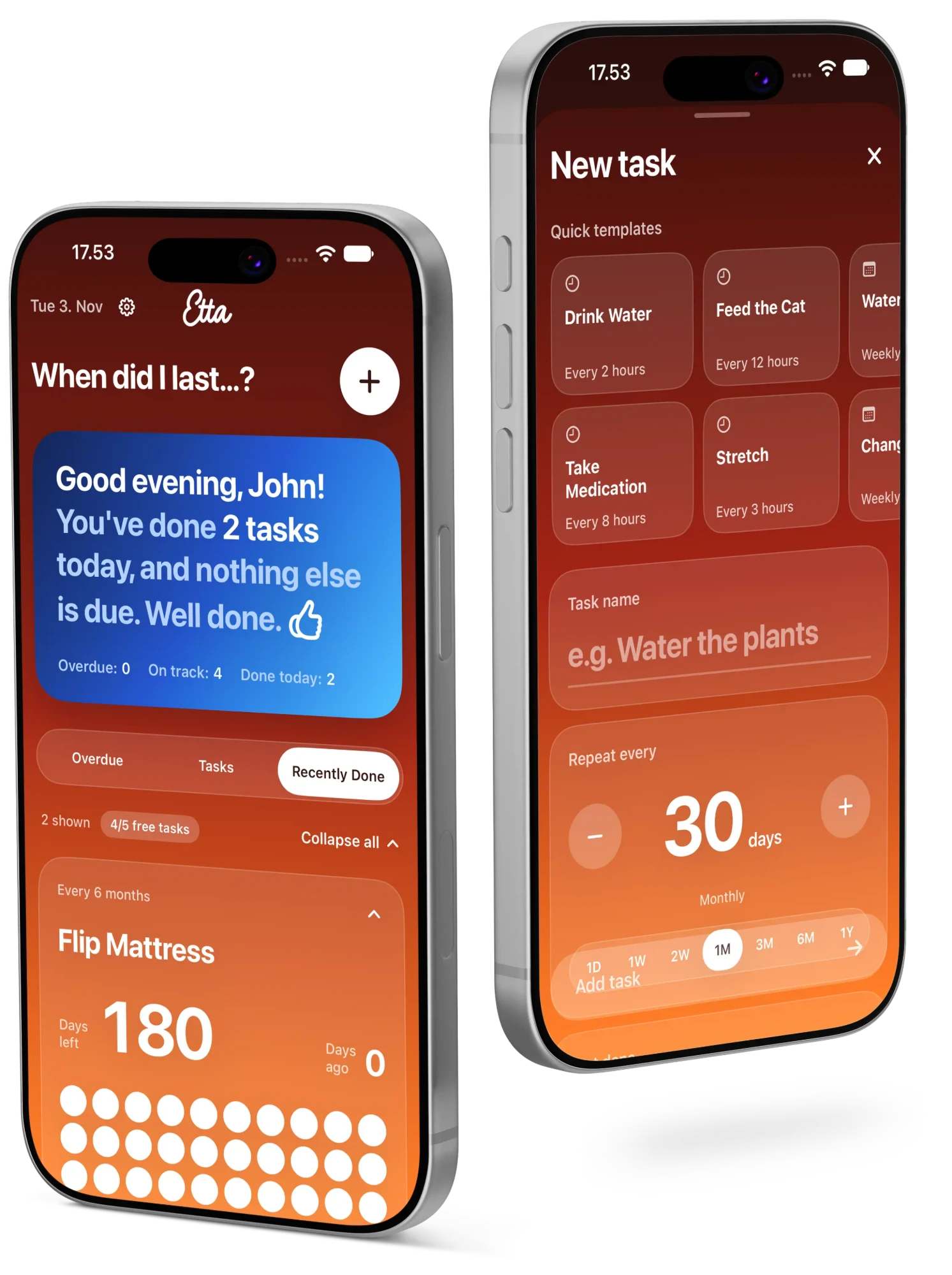
The little app that remembers when you last changed the toothbrush, watered the plants or descaled the kettle.
Coming soon. Free to download.
When did you last change your toothbrush? Water the plants? Descale the kettle?
If the honest answer is “uh… a while ago?”, Etta is for you.
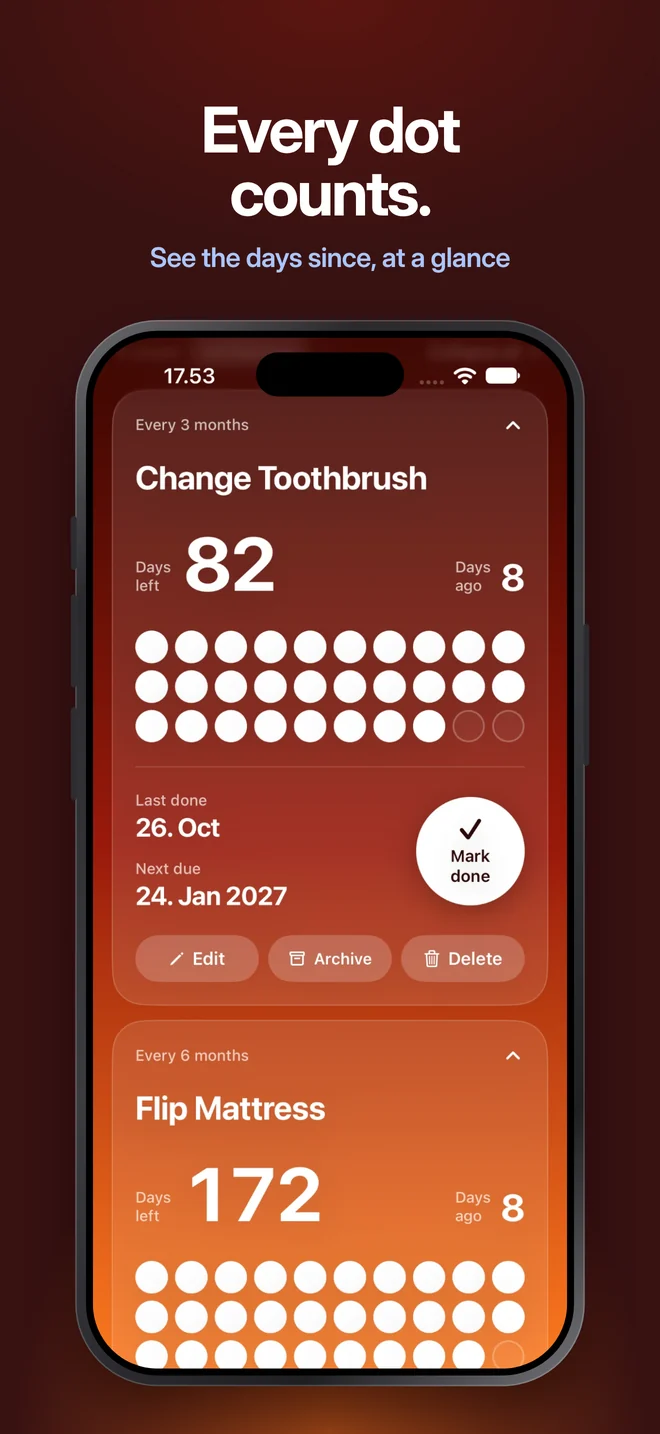
Add a task, say how often it should happen, and tap Mark done when you've done it. The app counts the days and shows them as dots that empty out as time passes: one dot per day for tasks up to a month, one per hour for tasks you do several times a day, and an equal share of the time for longer ones. When something's overdue, its card turns blue and politely (but firmly) lets you know.
This card is live. Watch a week go by, or tap Mark done.
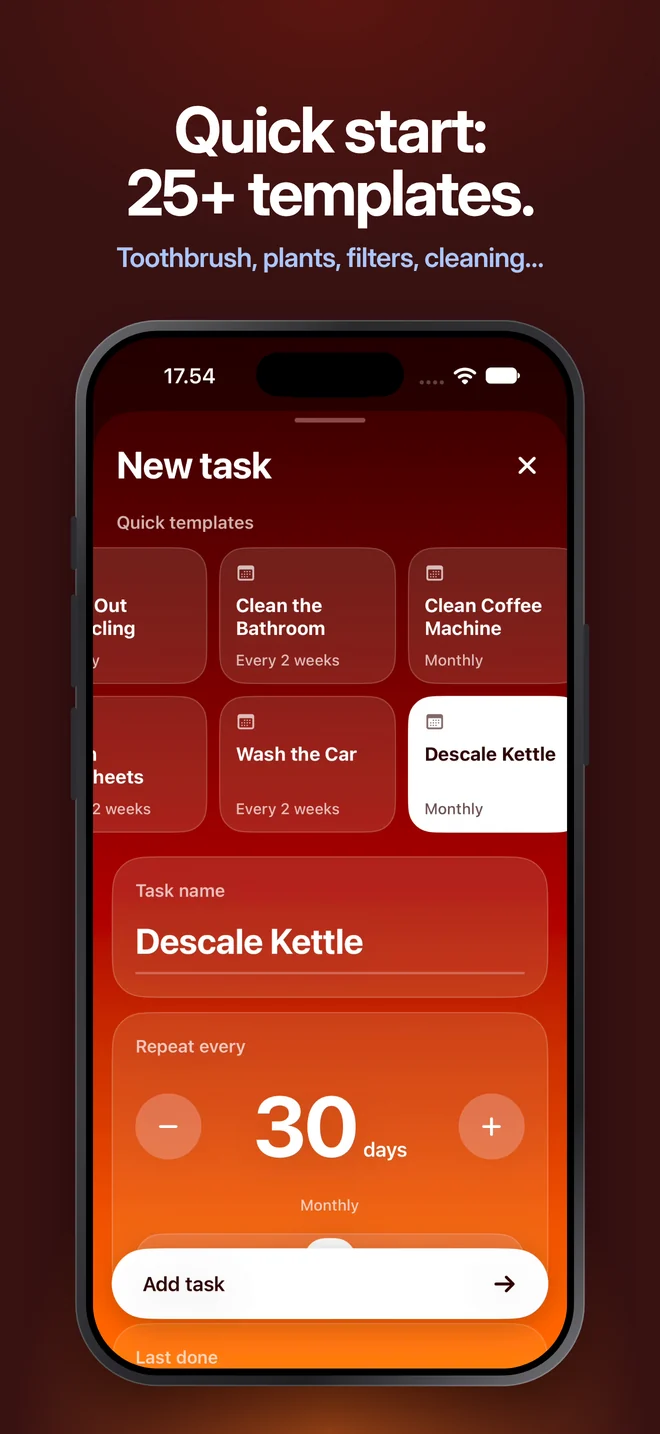
Pick one of 25+ templates or type your own. Toothbrush, every 90 days. Done.
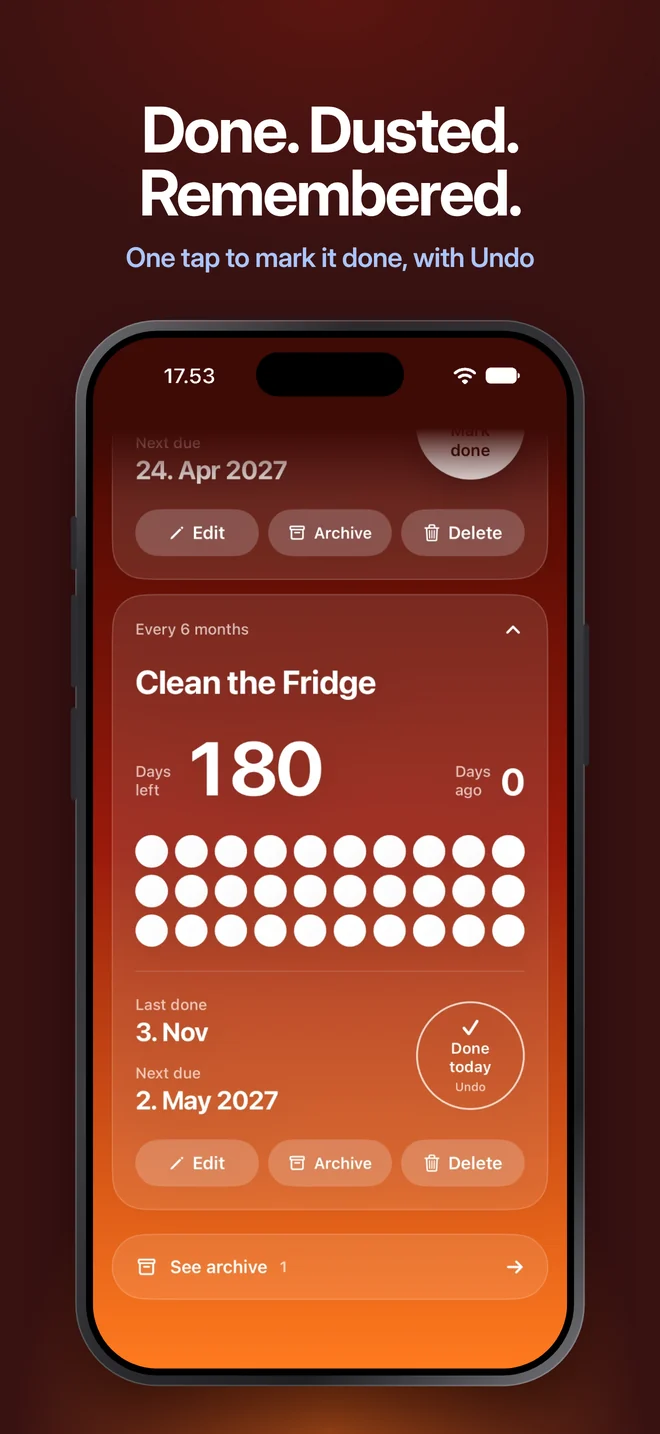
Tap the big white button when you've done it. Tapped the wrong one? Undo.
They empty out as the days pass. When time's up, the card turns blue and the app lets you know.
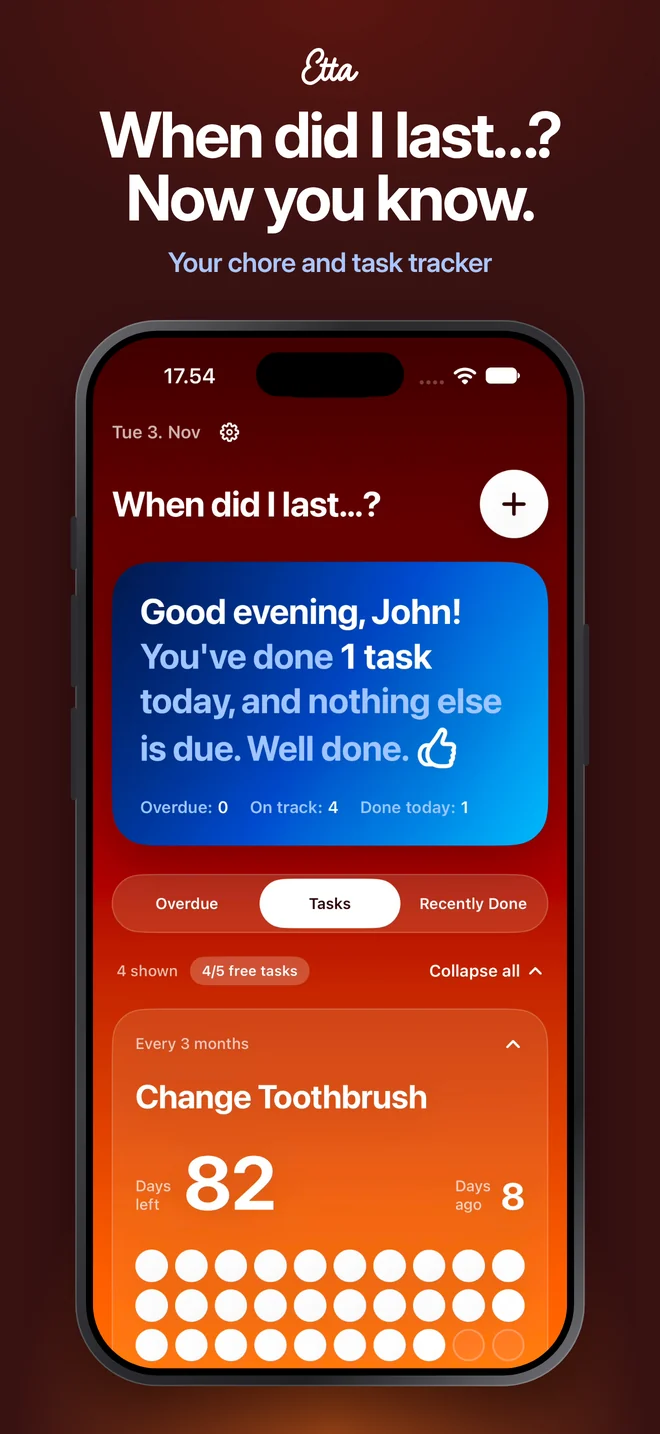
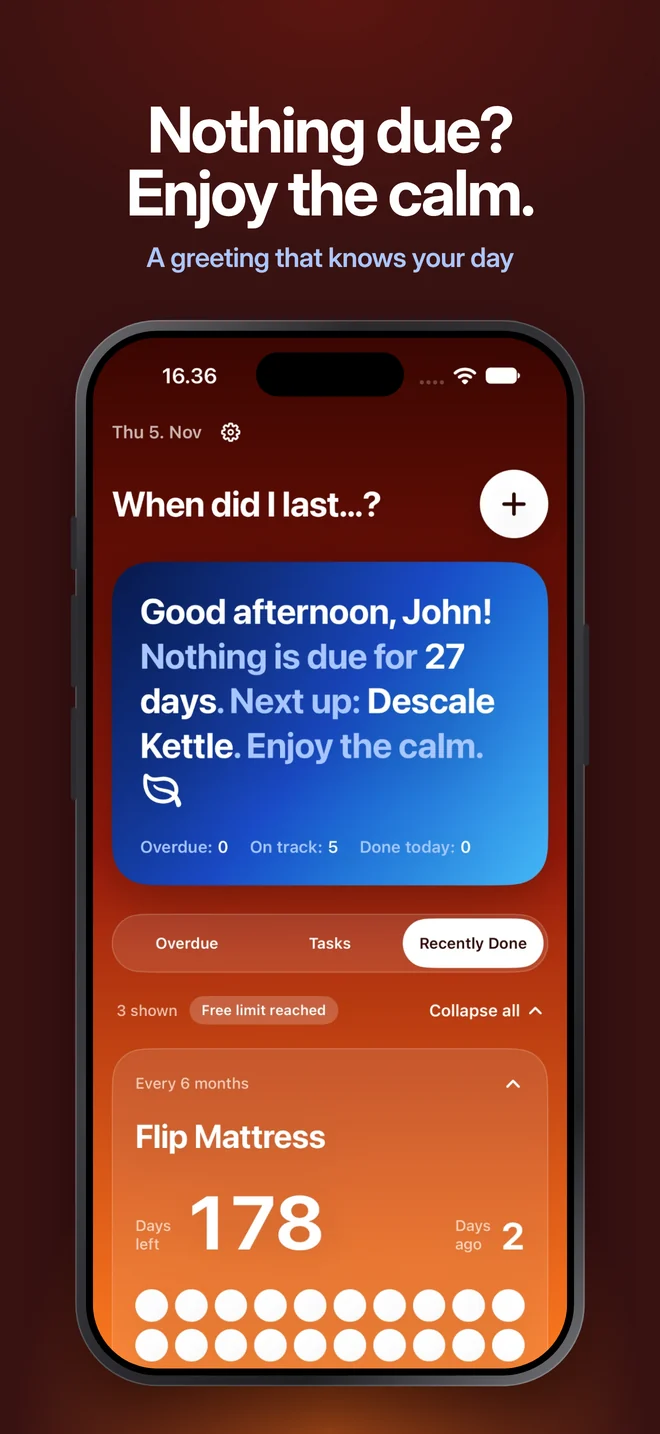
It tells you what needs doing today, and when you can put your feet up.
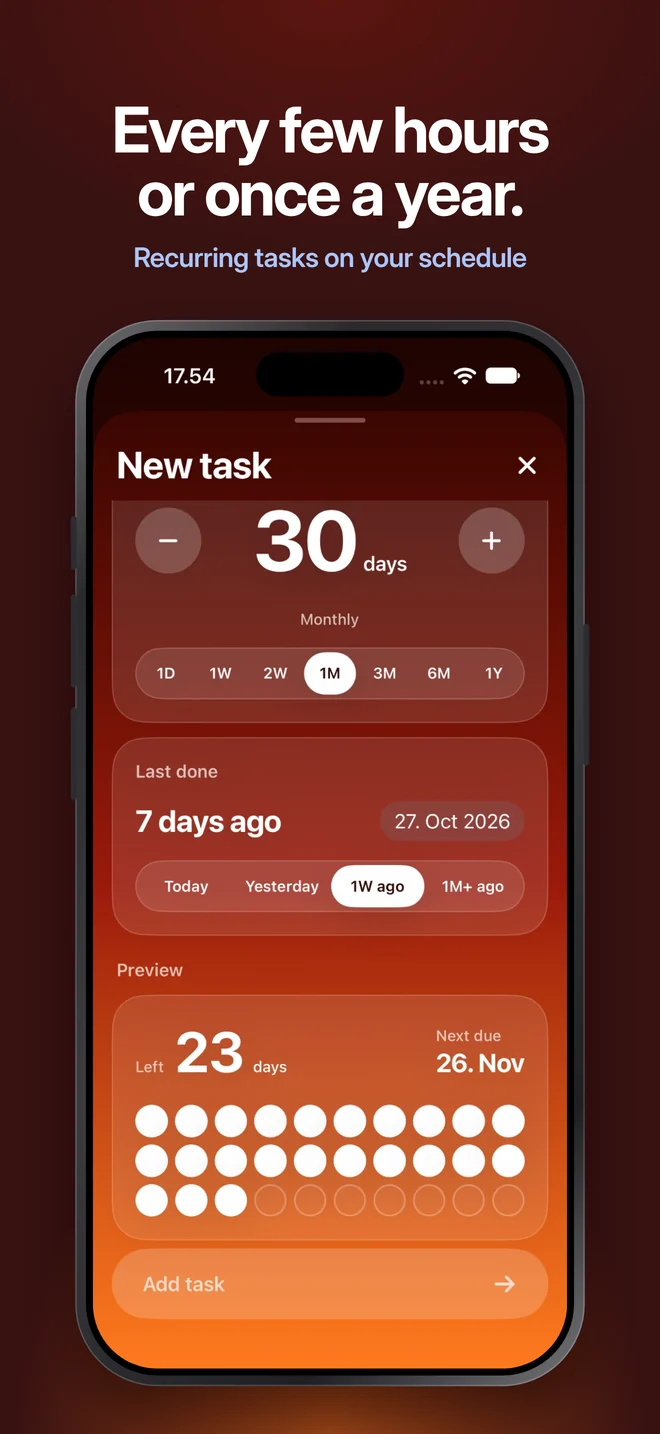
Tasks can repeat every few days or once a year, or several times a day, like drinking water or taking medication.
Three views, one tap apart. Collapse cards into slim progress bars when you just want the overview.
A nudge on the day something's due, at the time you choose. Off by default.
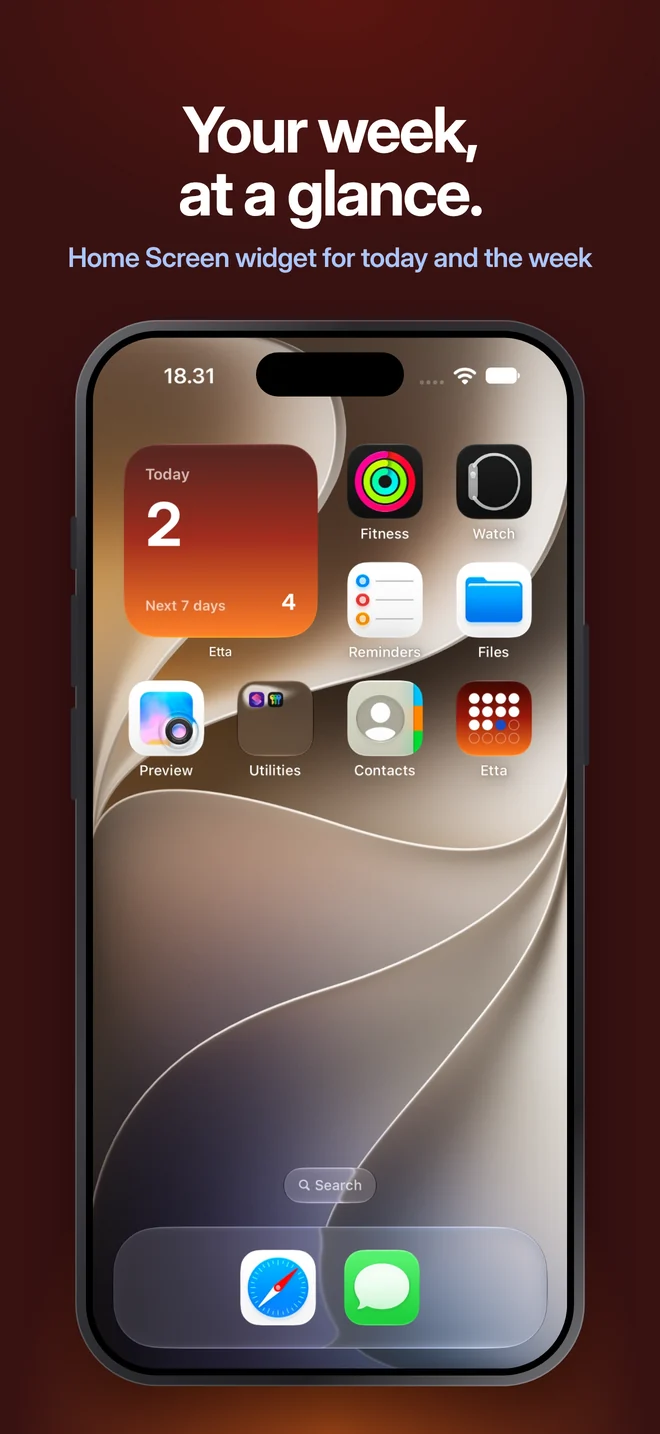
The widget shows today's tasks and how many are coming up in the next 7 days.
Everyone taps Done on the wrong thing sometimes.
Pause a task and bring it back whenever you like.
$4.99 in the United States
Shown in euros. The App Store shows your local price.
Coming soon to the App Store.
No accounts, no ads, no tracking. Your tasks stay on your iPhone. We don't even know you exist (no offence).
Read the privacy policyDidn't find yours? Found a bug, have an idea, or just want to tell us how often you really change your toothbrush? Send a message. We read everything.
Buy Etta Unlimited once and everyone in your Apple Family Sharing group (up to 6 people) gets it too, at no extra cost. They just download the app. Everyone keeps their own tasks; only the purchase is shared.
Yes. 4,99 € (or $4.99 in the US) once, no subscription, no renewals. Unlimited stays unlocked for good, also if you reinstall the app or get a new iPhone.
All your tasks keep working; you just can't add a sixth. Archive one to free up a spot, or go Unlimited.
No. No sign-up, no email, no password. Open the app and add your first task.
Yes. Choose 1D when setting how often it repeats, and pick the hours, from every hour up to every 24 hours. Handy for drinking water or medication.
Yes, and Unlimited works on all your devices with the same Apple Account. Each device keeps its own list of tasks for now.
Open Settings in the app (the gear next to the date), scroll to Etta Unlimited and tap Restore purchase. Make sure you're signed in with the same Apple Account you bought it with.
Check that reminders are on in the app's Settings, and that notifications are allowed for Etta in your iPhone's Settings → Notifications.
Open the app once. The widget updates whenever your tasks change, and on its own at midnight.
Your tasks are stored on your iPhone and included in your iCloud or computer backup. Restore your new iPhone from that backup and they come along.
When did you last check the smoke alarm?